How to Fix RF Interference with Your Garage Door Opener
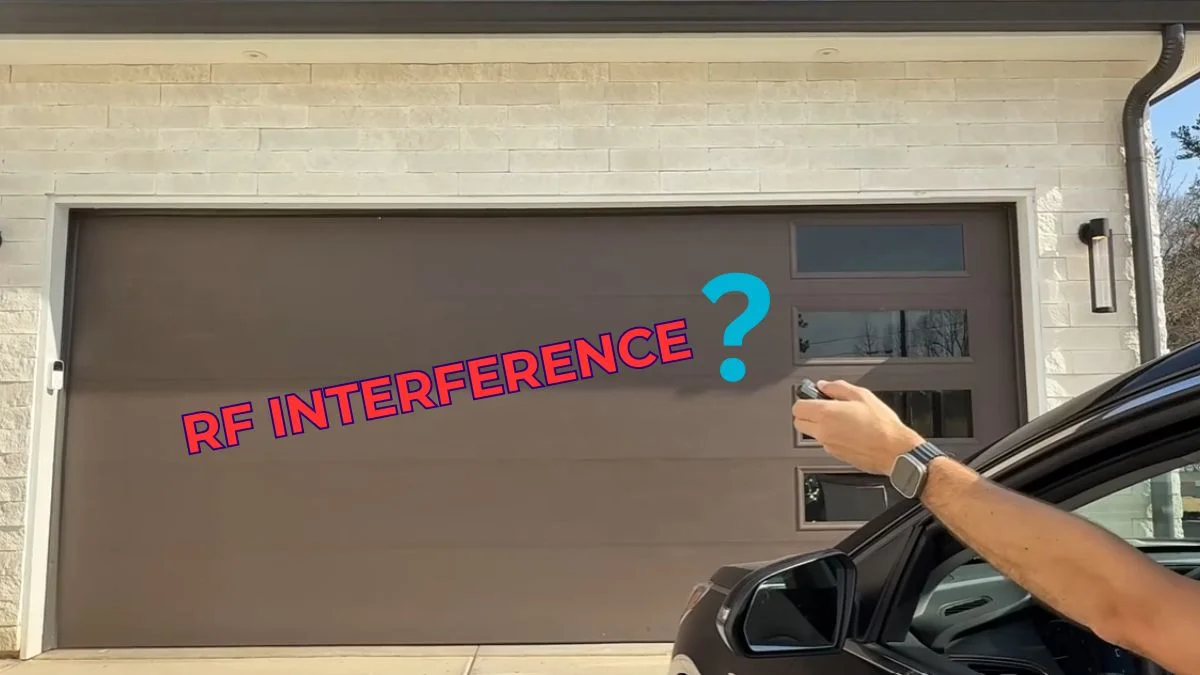
Your garage door remote is almost certainly working fine — the problem is invisible radio frequency conflict disrupting the signal between your remote and receiver, and knowing how to fix RF interference with your garage door opener takes most homeowners under 30 minutes.
Newer openers operating on 315 MHz, 390 MHz, or 433 MHz bands are increasingly vulnerable as neighborhoods fill with competing wireless devices — LED light bulbs, baby monitors, solar inverters — causing intermittent failures that feel random but follow a clear pattern.
Work through this guide and you will identify the exact interference source, apply ranked fixes starting with zero-cost adjustments, and know precisely when a professional replacement is the smarter call.
What Causes RF Interference in Garage Door Openers
RF interference happens when another radio signal disrupts the communication between your remote and your opener’s receiver. The fix depends entirely on identifying the source — and there are five distinct categories worth knowing.
Household Devices That Compete on the Same Frequencies
The biggest culprits inside your home are LED light bulbs, cordless phones (especially DECT 6.0 models), baby monitors, microwave ovens, and Wi-Fi routers running on the 2.4 GHz band. These devices generate electromagnetic interference that can overwhelm a garage door opener’s receiver, particularly when the opener’s antenna is poorly positioned or the remote is used at the edge of its signal range.
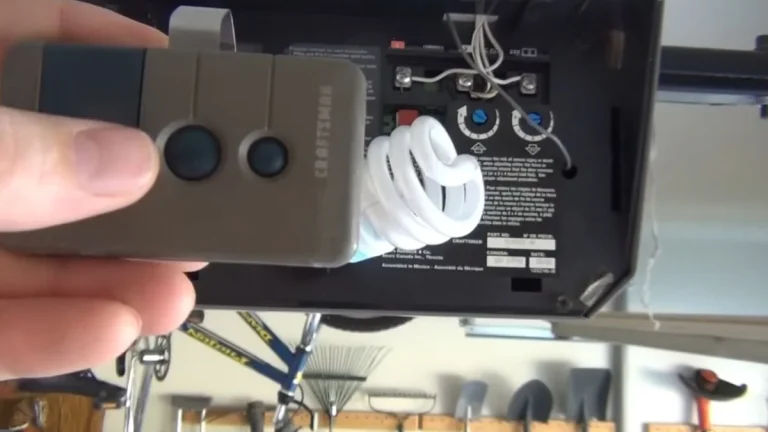
LED bulbs deserve special attention. Cheap, unshielded LED fixtures emit broadband radio noise that spreads across multiple frequency bands simultaneously — including the 315 MHz and 390 MHz bands used by brands like LiftMaster and Chamberlain. Swapping one LED bulb inside the opener unit itself has resolved remote control dead zones for thousands of homeowners.
Metal Structures Blocking or Degrading the Signal
Steel garage doors, aluminum framing, and metal storage shelving all reflect and absorb RF signals. This creates signal degradation — meaning your remote’s transmission loses strength before it reaches the receiver. The practical result is inconsistent operation: the door opens from 20 feet but not 5 feet, or works from one angle but not another.
Neighboring Openers and External Transmitters
Garage door openers don’t verify identity by default — they respond to any matching frequency signal. A neighbor’s opener on the same 433 MHz channel can trigger yours, or vice versa. External sources like nearby cell towers, AM radio stations, and high-power commercial transmitters create persistent wireless protocol collisions that no amount of reprogramming will solve without first removing the external source from the equation.
How to Systematically Diagnose the Interference Source
Before touching any settings or hardware, spend 10 minutes running these diagnostic steps. Jumping straight to fixes without isolating the cause wastes time and risks missing the real problem.
Step 1: Rule Out the Remote Itself
Press the wall button inside your garage. If the door responds normally, your opener’s motor and logic board are fine — the problem lives in the RF communication chain, not the hardware. Next, replace the remote battery with a fresh one regardless of how new it looks. Weak batteries cause signal degradation that mimics interference perfectly.
Step 2: Map the Dead Zones
Walk toward your garage from the street, pressing the remote every 5 feet. Note the exact distance where it stops working and whether the failure zone shifts when you move left or right. Dead zones that appear only near specific objects — a metal storage rack, a new LED fixture, a Wi-Fi router — point directly to a local electromagnetic interference source rather than a frequency channel conflict with an external transmitter.
Step 3: Identify the Interference Pattern
Intermittent problems that follow a pattern are the most diagnostic clue you have. Ask yourself:
- Does the failure happen at the same time each day?
- Does it start when a specific appliance runs — a microwave, HVAC unit, or baby monitor?
- Did it begin after a recent change — a new router, smart home device, or metal garage door installation?
Constant failure suggests a persistent RF source nearby. Time-of-day failure often points to a neighbor’s device or scheduled wireless activity. Appliance-triggered failure is almost always a local electromagnetic interference source you can physically locate and address.
Step 4: Check Your Opener’s Operating Frequency
Find the FCC ID label on your opener’s motor unit — it’s usually on the back or side panel. Look up that FCC ID at fcc.gov/oet/ea/fccid to confirm the exact operating frequency. Knowing whether your unit runs on 315 MHz, 390 MHz, or 433 MHz tells you which device categories are most likely causing wireless protocol collisions in your specific case.
Ranked Solutions: From Quickest Wins to Professional Replacement
Work through these fixes in order. Each one takes less effort than the next, and most interference problems resolve within the first three steps.
Fix 1: Replace the Battery and Reprogram the Remote
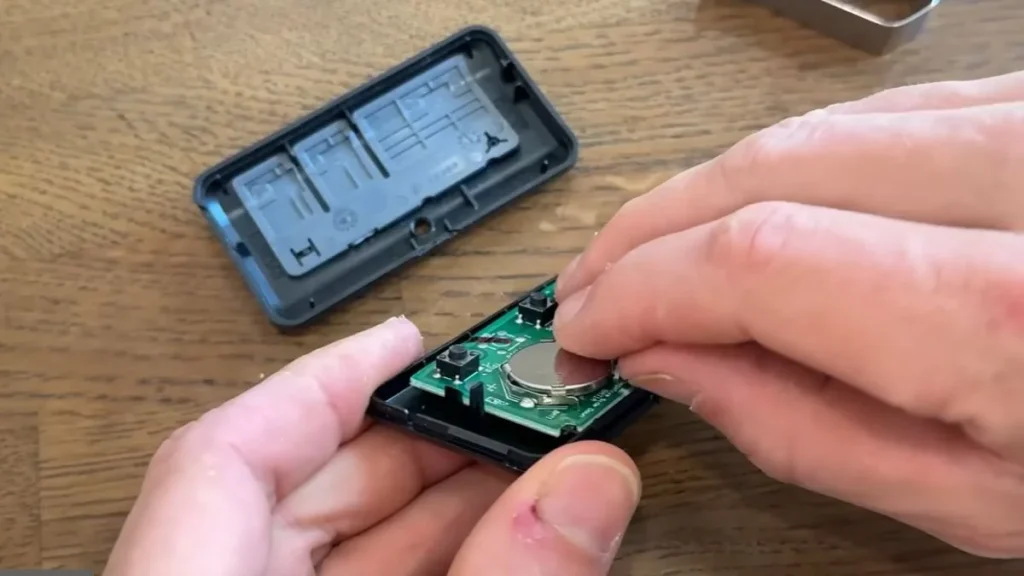
Fresh battery first — always. A remote operating at reduced power looks identical to RF interference from the outside. After replacing the battery, clear and reprogram the remote using your opener’s learn button. On Chamberlain and LiftMaster units, press and release the yellow or purple learn button on the motor unit, then press your remote button once within 30 seconds. Genie openers use a similar sequence but require holding the remote button for 3 seconds. This wipes any corrupted frequency channel pairing that may be causing wireless protocol collisions.
Fix 2: Eliminate the LED Bulb Inside the Opener
Remove any LED bulb installed in the opener unit itself and replace it with an incandescent or a garage-door-rated LED bulb — Chamberlain sells a compatible version specifically shielded against RF emission. Unshielded LEDs are responsible for a disproportionate share of remote control dead zones in openers manufactured after 2011.
Fix 3: Reposition Your Wi-Fi Router and Antenna
Move your 2.4 GHz router at least 10 feet from the garage wall. On the opener unit, straighten the hanging antenna wire fully — a coiled or pinched antenna cuts effective signal range by up to 50%. If the antenna wire is damaged, a $10–$15 aftermarket antenna extender restores full receiver sensitivity without any professional help.
Fix 4: Add an RF Filter or Shield
Plug-in electromagnetic interference filters, sold by brands like Corcom and Fair-Rite, suppress broadband noise from nearby appliances before it reaches your opener’s receiver. Install one on the outlet powering the opener and another on any LED fixture within 15 feet.
Fix 5: Call a Professional for Receiver Replacement
When all four fixes above fail, the opener’s RF receiver itself may have degraded sensitivity — a hardware problem no amount of channel reprogramming or antenna positioning will correct. A licensed technician can test receiver sensitivity directly and replace the receiver board for $75–$150, which is significantly cheaper than full opener replacement.
How to Distinguish RF Interference from Other Garage Door Failures
RF interference gets blamed for problems it didn’t cause — and that leads to wasted time chasing the wrong fix. Four specific symptom patterns confirm you’re dealing with a genuine radio frequency interference garage door problem rather than a mechanical or sensor issue.
Symptoms That Confirm RF Interference
True RF interference produces a consistent set of observable clues:
- All remotes fail identically — if two or three different remotes show the same dead zone or time-based failure, the problem is in the receiver or the signal environment, not the remote
- The door responds at close range (under 5 feet) but fails at normal distance, indicating signal degradation rather than a dead receiver
- Failures correlate with a specific appliance running — a microwave, HVAC blower, or baby monitor
- Problems appear or worsen at the same time each day, suggesting a neighbor’s scheduled device or a time-triggered wireless protocol collision
Symptoms That Point to a Dead Remote or Battery
When only one remote fails while a second remote and the wall button work normally, RF interference is not the cause. That pattern points to a dead battery, a faulty remote circuit, or a lost frequency channel pairing specific to that unit. Reprogram that remote alone before investigating further.
Symptoms That Indicate Motor or Mechanical Problems
If your opener’s receiver light flashes — confirming it received the RF signal — but the door doesn’t move, the problem is mechanical, not electromagnetic. Check the drive belt, trolley carriage, and motor capacitor before any RF receiver troubleshooting.
Symptoms That Indicate Safety Sensor Problems
A door that opens but reverses immediately, or opener indicator lights that blink 4 to 10 times in sequence, signal a safety sensor misalignment — not interference. On LiftMaster and Chamberlain units, a blinking light pattern is a diagnostic code. Check the sensor alignment and clear any physical obstruction from the sensor beam path before assuming RF interference is involved.
Frequently Asked Questions
What household devices cause the most garage door interference?
Unshielded LED light bulbs — especially those installed directly in the opener unit — are the single most common cause, followed by cordless DECT 6.0 phones, baby monitors, microwave ovens, and 2.4 GHz Wi-Fi routers positioned within 10 feet of the garage wall. Replacing the opener’s LED bulb with a shielded, garage-door-rated alternative resolves the problem in a significant number of cases.
Can I reprogram my garage door opener after fixing interference?
Yes, and you should — reprogramming clears any corrupted frequency channel pairing that formed while interference was active. Press the learn button on your motor unit, then press your remote button within 30 seconds. Chamberlain, LiftMaster, and Genie all use this same basic sequence, though button color and hold time vary by model.
When should I call a professional instead of troubleshooting myself?
Call a technician when all remotes fail identically, the wall button works normally, and every DIY fix in this guide has produced no improvement — that combination points to a degraded RF receiver board requiring direct testing and replacement. Receiver replacement typically costs $75–$150 and is faster than a full opener swap.