Craftsman Garage Door Won’t Close: 7 DIY Fixes
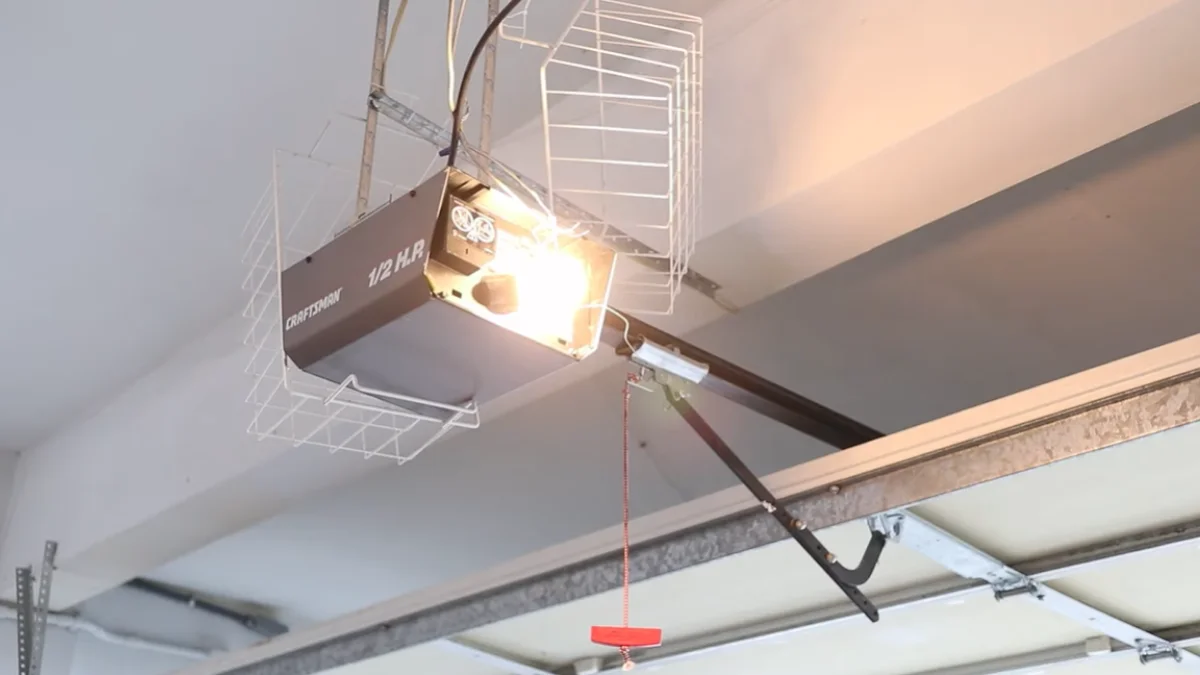
A Craftsman garage door opener that won’t close is one of the most common service complaints homeowners report — and in most cases, the fix costs nothing.
Leaving a garage door stuck open is a real security and safety risk, and calling a technician for a problem you could solve in 20 minutes wastes both time and money.
This guide covers the 7 most common reasons a Craftsman garage door opener won’t close and gives you clear, step-by-step fixes you can complete today — with safety warnings flagged throughout so you know exactly when a problem requires a licensed technician instead.
Safety Sensors: The #1 Culprit
Misaligned or dirty safety sensors cause more Craftsman garage door closure failures than any other single issue — and most homeowners can fix this in under 10 minutes without any tools.

How Sensors Stop Door Closure
Every Craftsman opener manufactured after 1993 includes a photo-eye system — two small sensors mounted near the floor on each side of the door track. These sensors project an invisible infrared beam across the door opening. When anything interrupts that beam, the opener interprets it as a photo-eye beam obstruction and either reverses the door or refuses to close at all.
The problem is that misalignment causes the same response even when the path is completely clear. Dirt, spider webs, or a smudged lens scatter the beam just enough to trigger a false obstruction signal. When this happens, you’ll typically notice the Craftsman opener light blinks — usually 10 times — which is the opener’s built-in diagnostic code for a sensor fault.
Finding and Testing Your Sensors
Look for two hockey-puck-sized units mounted roughly 4-6 inches above the floor, one on each door track. One sensor has a solid amber light (the sender), and the other has a green light (the receiver). A blinking or absent green light confirms the beam isn’t connecting.
Test alignment by waving your hand slowly through the beam path while watching the green light. If it flickers during the wave but blinks when nothing is present, misalignment is your problem — not an actual obstruction.
Clean both lenses with a dry microfiber cloth. In practice, a lens coated with garage dust can block enough light to trigger false reversals daily.
Realigning Sensors After Obstruction
Loosen the mounting bracket wing nut or bolt — most Craftsman models use a simple wing nut — then rotate the sensor unit slowly until the green receiver light turns solid. Tighten the bracket firmly without shifting the sensor angle.
The beam should cross the door opening at roughly 6 inches high and meet at the door centerline. Once both indicator lights are solid, run a full close cycle to confirm the garage door safety sensors are communicating correctly.
Door Balance and Limit Switch Problems
An unbalanced door or miscalibrated limit switch will cause your Craftsman opener to reverse mid-closure or stop short of the floor — and these two problems are easy to confuse without a quick manual test.
Why Unbalanced Doors Won’t Close
Garage door springs — either torsion springs above the door or extension springs along the tracks — counterbalance the door’s weight so the opener only needs minimal force to move it. When springs wear out, the door becomes heavy. The opener’s built-in force reversal safety feature detects that extra resistance and interprets it as a mechanical obstruction, triggering a reversal before the door reaches the ground.
A separate but related issue is door closure limit settings. The limit switch tells the opener exactly where “fully closed” is. If that setting drifts — which happens gradually over time — the opener may signal a complete closure when the door is still several inches off the floor, or it may reverse because it thinks the door has hit an obstruction it hasn’t.
Manual Balance Test and Limit Reset
Pull the red emergency release cord hanging from the opener rail. This disconnects the door from the drive system so you can move it manually.
Lift the door to waist height and let go. A properly balanced door stays in place or drifts only slightly. If it crashes down or shoots upward, you have a garage door balance issue that goes beyond a simple limit adjustment.
If the door holds reasonably well, the problem is likely the limit adjustment mechanism. On most Craftsman chain-drive and belt-drive models, two adjustment screws — labeled “UP” and “DOWN” or marked with arrows — are located on the back or side of the motor unit. Use a flat-head screwdriver to turn the DOWN limit screw in small increments (one full turn equals roughly 2 inches of travel). Test after each adjustment by running a full close cycle.
The force dial, usually located near the limit screws, controls how much resistance triggers a reversal. Increase it only in small steps — too much force defeats the safety reversal system.
When Springs Need Professional Help
Do not attempt to replace or adjust torsion springs yourself. A torsion spring under full tension stores enough energy to cause severe injury or death if it releases suddenly. This is not a matter of skill level — it is a physics and safety risk that applies to everyone.
According to UL 3400, the safety standard governing residential garage door operators, automatic reversing systems must meet specific force thresholds precisely because of spring-related risks. A certified garage door technician can replace a broken spring for $150-$300 in most U.S. markets — a fraction of what an emergency room visit costs.
Blinking Lights and Error Codes
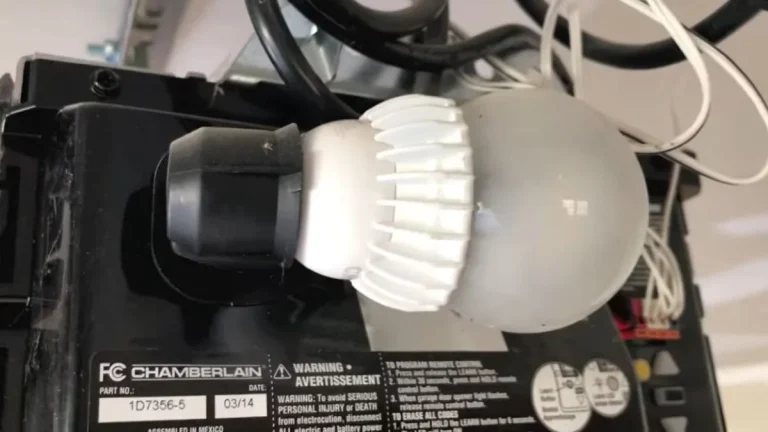
The light bulb on your Craftsman opener is not just for illumination — it doubles as a diagnostic display, and counting the blinks precisely tells you which system has failed before you touch a single component.

What Light Patterns Actually Mean
Craftsman openers use a blink-count system where the number of flashes maps directly to a specific fault. Here are the most common patterns:
- 1 blink: Sending unit (amber sensor) is obstructed or misaligned
- 2 blinks: Receiving unit (green sensor) is not detecting the beam
- 4 blinks: Safety sensor wiring is damaged or disconnected
- 5 blinks: RPM sensor fault — the motor is running but the opener detects no movement on the drive system
- 10 blinks: Photo-eye beam obstruction or complete sensor failure
A solid light with no blinking during a failed closure attempt points away from sensors entirely and toward a mechanical obstruction detection issue or a limit switch problem. A continuous rapid blink, on the other hand, almost always means the garage door safety sensors are misaligned or have a wiring fault.
Note that blink codes vary slightly across Craftsman model generations. Always cross-reference the count against your specific owner’s manual or the label printed inside the motor unit cover.
Diagnostic Steps When Light Code Appears
Start with the simplest reset. Unplug the opener from the ceiling outlet, wait 30 seconds, then plug it back in. This clears temporary faults — including some RPM sensor garage door errors — that occur after a power surge or brief outage.
If the same blink code returns immediately, the fault is persistent and needs direct attention:
- For sensor codes (1, 2, or 10 blinks): Go back to Section 2 and work through the photo-eye alignment and cleaning steps.
- For RPM sensor codes (5 blinks): Check that the chain or belt is not broken, jammed, or skipped off the sprocket. A Craftsman chain tension adjustment may resolve this — the chain should have roughly 1/2 inch of slack at its midpoint.
- For wiring codes (4 blinks): Inspect the white and white/black wires running from the motor unit down to both sensors. Look for pinched, frayed, or disconnected sections near the track mounting points.
Some newer Craftsman models — particularly those in the 57915 and 87504 series — include a dedicated Learn button that also functions as a diagnostic reset for the logic board. Hold it for 10 seconds until the indicator light changes, then retest closure.
Remote vs. Wall Button Closure Differences
When your remote won’t close the garage door but the wall button works fine, the opener itself is functioning — the problem is isolated to the remote signal chain, and you can fix it without touching the opener hardware at all.
Testing Where Control Fails
Before adjusting anything, run this 60-second diagnostic to pinpoint exactly where the failure lives:
- Press the wall button. If the door closes, your opener and sensors are working correctly.
- Press the remote while standing directly below the opener, within 5 feet. If it works at close range but not from the driveway, you have a signal strength or antenna issue.
- If both the remote and wall button fail to close the door, the problem is on the opener side — likely a sensor fault, limit switch error, or logic board issue covered in earlier sections.
The most useful finding is when the remote opens the door but won’t close it. This specific behavior — open works, close doesn’t — almost always points to the garage door safety sensors blocking the close command, not the remote itself. The opener receives the remote signal fine but refuses to execute closure because of a photo-eye beam obstruction or misalignment fault.
Remote-Specific Troubleshooting
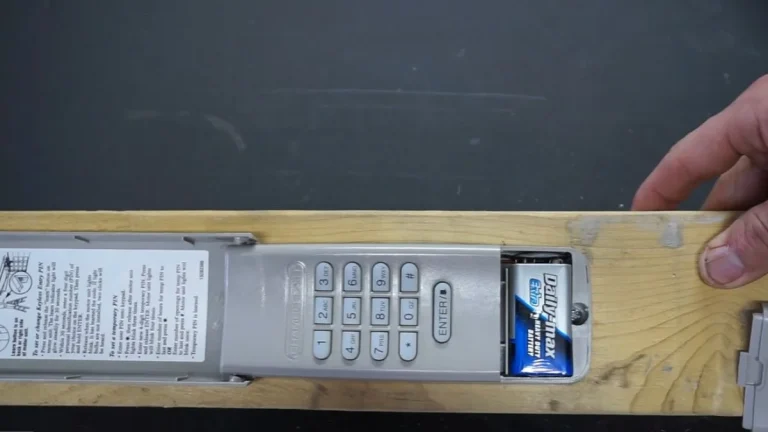
Start with the battery. Craftsman remotes use either a 3V CR2032 coin battery or a 12V A23 battery depending on the model. A weak battery can transmit enough signal to trigger an open command — which only needs one signal burst — but fail on a close command if the door is already in motion and requires sustained communication.
Replace the battery first, then test from your normal operating distance.
If a fresh battery does not resolve the issue, check the antenna wire hanging from the motor unit. It should hang straight down, uncoiled, with no metal objects within 6 inches. A coiled or pinched antenna cuts signal range dramatically.
Here’s the problem most homeowners skip: re-pairing. If the remote was reprogrammed recently, or if the opener’s logic board was reset, the remote may have lost its paired frequency. To re-pair a Craftsman remote:
- Press and release the Learn button on the motor unit until the indicator light glows steadily.
- Within 30 seconds, press and hold the button on your remote until the opener light blinks twice.
- Test the remote from your normal operating distance.
This procedure applies to most Craftsman 315MHz and 390MHz models produced after 1997.
If a reset doesn’t solve it, check whether you’re hearing a clicking sound instead of the door actually closing.
When DIY Stops and Professional Service Starts
If you’ve worked through every fix in this guide and your Craftsman garage door opener still won’t close, the remaining causes are ones where DIY work creates more risk than it resolves.
Persistent Faults After All Fixes
When sensors are clean and aligned, limit switches are calibrated, the remote is re-paired, and the door is balanced — but the opener still reverses or refuses to close — the logic board is the likely culprit. A failed logic board produces erratic behavior that mimics sensor faults, RPM sensor garage door errors, and limit switch problems simultaneously, making door opener diagnostics frustrating and inconclusive.
Replacing a Craftsman logic board costs $40-$80 for the part alone, but diagnosing a board failure with certainty requires a multimeter and familiarity with low-voltage circuits. If that falls outside your comfort level, a certified technician can confirm the diagnosis in one visit.
Spring Replacement and Structural Issues
Here’s the clearest line in garage door repair: anything involving spring tension requires a professional. Torsion springs — the large horizontal spring mounted above the door — operate under 150-300 foot-pounds of torque. Extension springs along the tracks carry similar stored energy. Neither type should be adjusted, wound, or replaced without specialized winding bars and professional training.
A garage door balance issue caused by a broken spring is not a DIY job regardless of your mechanical experience. The International Door Association recommends professional service for all torsion spring work, and most homeowner’s insurance policies do not cover injuries sustained during unpermitted self-repair of load-bearing hardware.
Warranty and Craftsman Support
Craftsman openers sold after 2019 carry a 1-year parts and labor warranty and a separate motor warranty ranging from 3 to 10 years depending on the model. DIY repairs that involve opening the motor unit or replacing electrical components can void both.
Before calling a technician, check your warranty status at Craftsman’s official support portal at craftsman.com or by calling Stanley Black and Decker’s customer support line — Craftsman’s current parent company — at 1-888-331-4569. A valid warranty means spring replacement, logic board swaps, and sensor replacements may cost you nothing.
Your Next Step
Nine out of 10 Craftsman garage door closure failures trace back to just 3 causes: dirty or misaligned safety sensors, a miscalibrated limit switch, or a dead remote battery — all fixable in under 30 minutes without special tools. Start at the sensors right now: clean both lenses with a dry microfiber cloth, confirm the green indicator light is solid, and run a full close cycle before touching anything else.
If the door still won’t close after that, work through the limit switch adjustment in Section 3 before considering a service call.