Garage Door Remote Not Working but Wall Button Works

Why Your Wall Button Works But Remote Doesn’t
When your garage door remote not working but wall button works, the problem is almost never the garage door opener itself — it’s a failure in the wireless communication chain between your remote and the opener’s receiver.
The wall button connects directly through low-voltage wiring, bypassing all radio frequency components entirely, which means anything wireless — the remote, its battery, the antenna, or the receiver circuit — is the real suspect.
Work through this guide and you’ll know exactly which component failed and how to fix it yourself, without calling a technician.
Battery and Power Diagnosis
Battery failure causes roughly 40% of all garage door remote troubleshooting calls, making it the right place to start before suspecting anything more complex.

Check Remote Battery Health
Most garage door remotes use either a 12-volt A23 battery or a CR2032 coin cell. Check your remote’s back panel or owner’s manual for the exact type — using the wrong voltage will prevent wireless signal transmission even with a fresh battery.
Remove the battery and inspect the contacts inside the compartment. Green or white residue means corrosion, which blocks current flow. Clean the contacts gently with a dry cotton swab or a pencil eraser, then wipe with a dry cloth before inserting a new battery.
Here’s a useful isolation test: if you have a second remote for the same opener, try that one. If the second remote works and the first doesn’t, the fault is in the remote itself, not the garage door receiver or motor unit. If neither remote works, the problem sits further upstream.
Verify Garage Outlet and Circuit Power
The wall button uses door control wiring that runs directly to the opener’s terminal board — it doesn’t draw power from your garage outlet. Your remote control, however, relies entirely on its own battery. But the opener’s receiver circuit does need consistent outlet power to process incoming signals.
Plug a lamp or phone charger into the same outlet powering the motor unit. If it doesn’t work, check your electrical panel for a tripped breaker and reset it. Confirm the opener’s indicator light is on after restoring power — no light means the receiver sensitivity system is completely offline.
Lockout Feature Activation
The lock button is one of the most overlooked causes of a remote control not responding to a garage door — and it’s completely invisible unless you know what to look for.
How the Lock Mode Gets Triggered
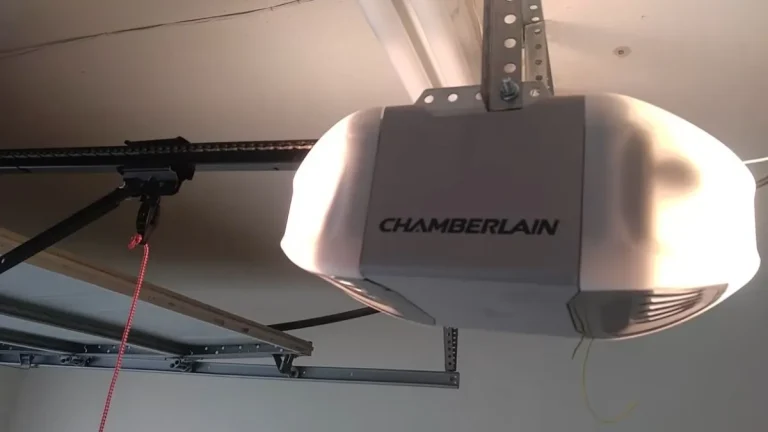
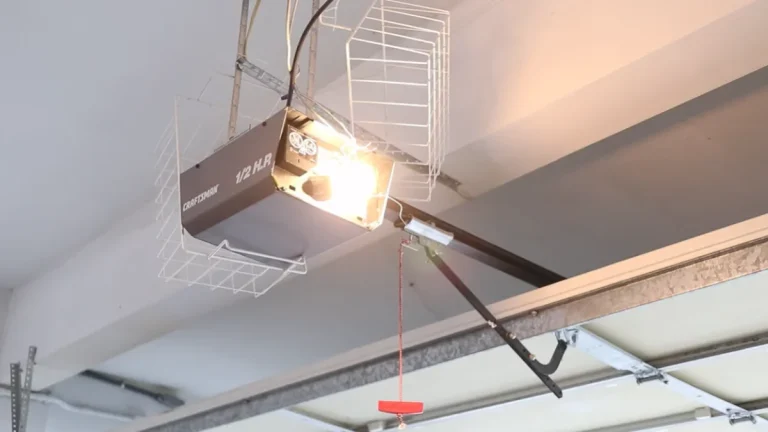
Every major brand — Chamberlain, LiftMaster, Craftsman, and Genie — builds a lockout feature into their wall control panels. It’s designed for vacations or deliveries, blocking all remote signals while still allowing the wall button to operate the door. The problem is that the lock button sits close to the open/close button on most panels, and it’s easy to press accidentally when someone brushes against the panel in a cluttered garage.
Identifying Lock Mode by Brand
Visual and audio indicators vary by manufacturer:
- Chamberlain and LiftMaster: The wall panel displays a lock icon or the LED flashes rapidly when a remote signal is received but blocked. Some models emit a clicking sound without the door moving.
- Craftsman: The panel light blinks twice in quick succession when lockout feature activation is blocking the remote signal.
- Genie: The Genie Aladdin Connect panel shows a locked padlock icon, and older models simply flash the motor unit light repeatedly.
Disabling the Lock Feature
The reset sequence differs slightly by brand, but the process follows the same logic:
- Locate the lock button on your wall panel — it’s usually marked with a padlock icon.
- Press and hold it for 2 seconds on Chamberlain and LiftMaster units.
- On Craftsman units, press it once firmly. On Genie, press and hold for 3 seconds.
- Watch for the lock indicator light to turn off, confirming the feature is cleared.
Test your remote immediately after. If wireless signal transmission resumes and the door responds, lockout was the entire problem.
Receiver Unit and Wireless Reset
When fresh batteries and a cleared lockout still leave your remote control not responding, the issue moves to the receiver unit itself — either a memory conflict or a hardware problem inside the motor unit.
Memory Conflict and Reset Procedure
Garage door opener memory stores the frequency codes of every paired remote. After a power outage, repeated failed programming attempts, or a surge, that memory can corrupt and reject valid remote signals entirely — a classic garage door receiver issue that mimics hardware failure.
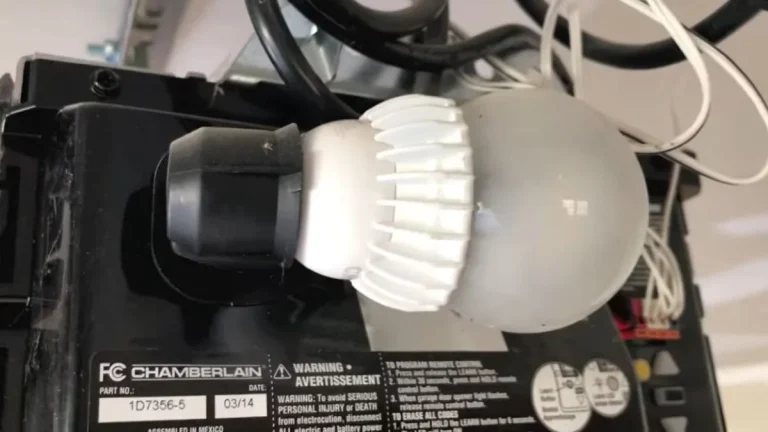
To reset garage door opener memory, locate the “Learn” button on your motor unit. On LiftMaster and Chamberlain units, it’s on the back panel, color-coded by frequency: purple (315 MHz), yellow (390 MHz), or orange (myQ). Press and hold it for 6 seconds until the LED beside it goes out — this wipes all stored remote codes.
Re-programming follows immediately after:
- Press the Learn button once — the LED lights up for 30 seconds.
- Press the button on your remote twice within that window.
- The motor unit light will flash or click, confirming the new code is stored.
- Test the remote from outside the garage.
Craftsman and Genie follow nearly identical sequences — consult the label printed on your specific motor unit for exact button locations.
Receiver Diagnostics
The LED on your motor unit communicates receiver status directly:
- Solid light: Receiver is powered and waiting for a signal.
- Rapid blinking when remote is pressed: Signal is received but not accepted — memory conflict or frequency mismatch.
- No light at all: Receiver has no power or has failed.
Inspect the wiring at the receiver terminal block — the two-wire door control wiring from the wall button connects here. A loose or corroded wire at this block disrupts receiver sensitivity even when the opener itself runs fine. Press each wire firmly into its terminal and retest.
If multiple remotes all fail but the wall button works, and the LED blinks without response after a full memory reset, the receiver board likely needs replacement. LiftMaster sells standalone receiver units (model 850LM) that install in under 20 minutes without replacing the full opener.
Signal Interference and Range Limitations
A garage door remote that works sporadically — or only when you’re standing directly under the opener — is experiencing signal interference or a range problem, not a receiver failure.
How Building Materials Block the Signal
Wireless signal transmission from a remote operates on either 315 MHz or 390 MHz radio frequencies. Both frequencies struggle to penetrate dense metal. Garages with metal wall panels, metal insulation foil, or steel-reinforced concrete walls absorb and scatter the radio signal before it reaches the receiver antenna on the motor unit.
The fix is simple: check that the antenna wire hanging from your motor unit is fully extended downward and not coiled or tucked up against the housing. A kinked or repositioned antenna alone can cut receiver sensitivity by half.
Operating Range and Weather Effects
Most garage door openers are rated for 30 to 50 feet of reliable range under normal conditions. Cold temperatures thicken battery chemistry and reduce output voltage, which weakens the transmitted signal. Heavy rain creates atmospheric interference that compounds the problem.
If your remote works from 10 feet but not 30, the battery is likely weak even if it’s not fully dead — replace it and retest from the full rated distance.
Environmental Interference Sources
Several common household and municipal sources cause signal interference with garage door remotes:
- LED light bulbs inside the opener housing — certain LED frequencies bleed into the 315–390 MHz band. Replace bulbs in the motor unit with incandescent or opener-rated LED bulbs (Chamberlain recommends its own 26W LED bulb).
- Wi-Fi routers and smart home hubs placed near the opener can saturate nearby frequencies.
- Power lines and utility transformers running along the roofline create electromagnetic interference that reduces effective range.
Test your remote from 3 different positions: directly below the opener, at the garage entrance, and from your driveway. A clear pattern of where it works versus where it fails identifies the interference source precisely.
Next Steps After Troubleshooting
When a garage door remote not working but wall button works, the fault traces to one of four components in a fixed order: the battery, the lockout feature, the receiver memory, or signal interference — and working through that sequence resolves the problem in the vast majority of cases without a technician.
If all four checks fail, document exactly what the motor unit LED does when you press the remote, note which remotes you tested, and report those specific symptoms to a certified garage door technician so they can diagnose a receiver board or logic board failure on the first visit rather than the second.